Three Levels of OpenClaw Mission Control for AI Agent Operations
Deploy & Ops📅 2026/03/03

#AI 代理#Deployment#Developer#GitHub#Low Risk#Manual Trigger#Semi-Automatic#Slack#Tweet#代码
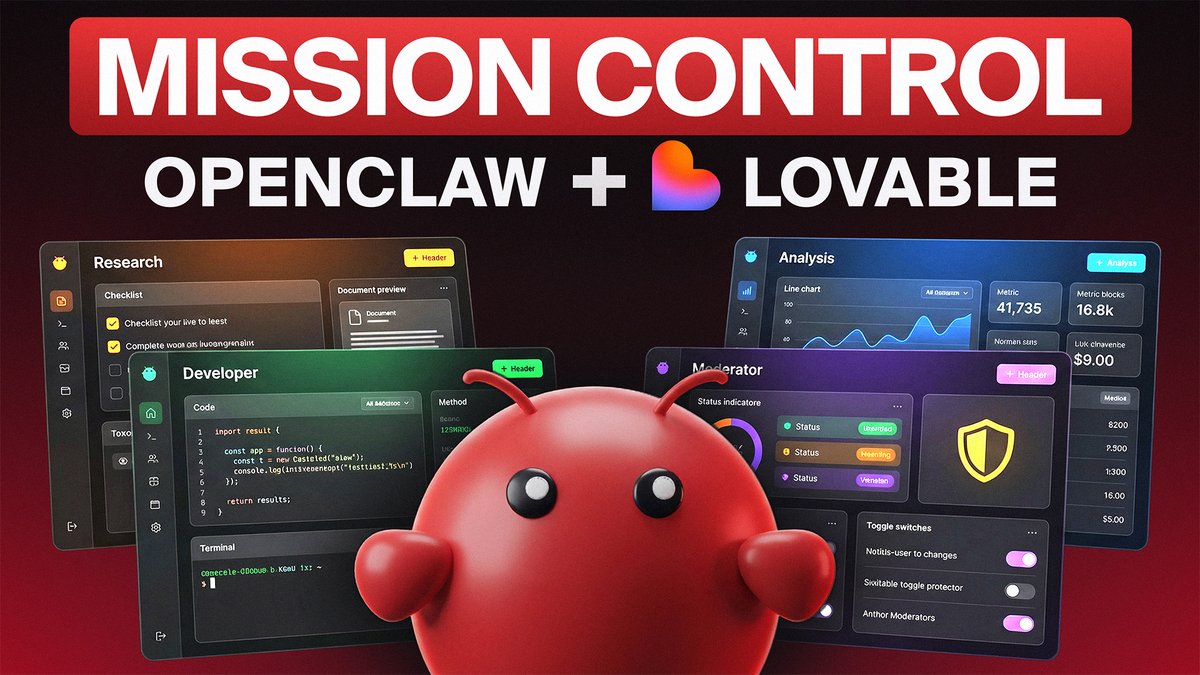
I've researched dozens of @openclaw mission controls. From simple dashboards to full operating systems running your entire business.

Here are the 3 levels and when to use each ↓

Level 1: Basic

- See all your agents and what they're working on in one place
- Spin up new sub-agents or pause them when you need to
- Track how much each agent is costing you in real time
- Step in and redirect an agent when something goes off track
- This replaces the "50 open Slack threads" problem

Level 2: Intermediate

- Every task gets assigned to a specific agent with a deadline
- A live feed shows what your agents are completing throughout the day
- Click into any task and see the full decision history
- Agents start running repeatable workflows without you prompting them
- This is where OpenClaw stops being a chatbot and starts being an employee

Level 3: Advanced

- Agents manage their own memory so nothing gets lost between sessions
- Your entire content pipeline runs through the dashboard
- Cron jobs are scheduled and visible so you know what's running and when
- AI agents and real team members coordinated in the same system
- This is a full operating system. Your agency runs on this.

Key Insight:

Stop forcing agents into tools built for humans.

Notion wasn't built for AI ops. Neither was Asana or Monday.

Build a mission control around your actual workflow. It's faster than you think.

I rebuilt the most advanced version in @lovable in a single prompt and got a working dashboard with task management, content pipeline, memory system, and team coordination out of the box.

If you want the exact prompt I used plus how to connect it to your OpenClaw, I'm teaching all of this inside my community. Link in bio.

Let's build.